
The Super Admin login process in ERPGo SaaS grants access to advanced administrative settings and platform-wide controls. It allows Super Admins to manage users, configurations, and system operations efficiently. This section outlines the steps required to log in securely and begin managing the platform.
Key Points:
Provides high-level administrative access to the ERPGo SaaS platform
Enables management of users, roles, and system settings
Ensures secure and authorized login for Super Admins
Guides through step-by-step login instructions
Access the Login Page
To begin the login process, open your preferred web browser and go to the official Fin ERP login page. This page serves as the entry point for Super Admins to securely access the platform. Make sure you have a stable internet connection and valid login credentials before proceeding.
Key Points:
Launch any standard web browser (e.g., Chrome, Edge, Firefox)
Enter the official ERPGo SaaS login URL in the address bar
Ensure a stable internet connection for smooth access
Prepare your Super Admin credentials for secure login

Enter Credentials
On the FiN ERP login page, enter the Super Admin’s registered email address and password in the respective fields. These credentials authenticate the Super Admin’s identity and ensure secure platform access. Double-check your information before submitting to avoid login errors.
Key Points:
Enter the registered Super Admin email address
Provide the correct password associated with the account
Ensure credentials are accurate to prevent login failure
Maintains a secure authentication process for system access

Login
To begin the login process, open your preferred web browser and go to the official Fin ERP login page. This page serves as the entry point for Super Admins to securely access the platform. Make sure you have a stable internet connection and valid login credentials before proceeding.
Key Points:
Launch any standard web browser (e.g., Chrome, Edge, Firefox)
Enter the official Fin ERP login URL in the address bar
Ensure a stable internet connection for smooth access
Prepare your Super Admin credentials for secure login

Dashboard Access
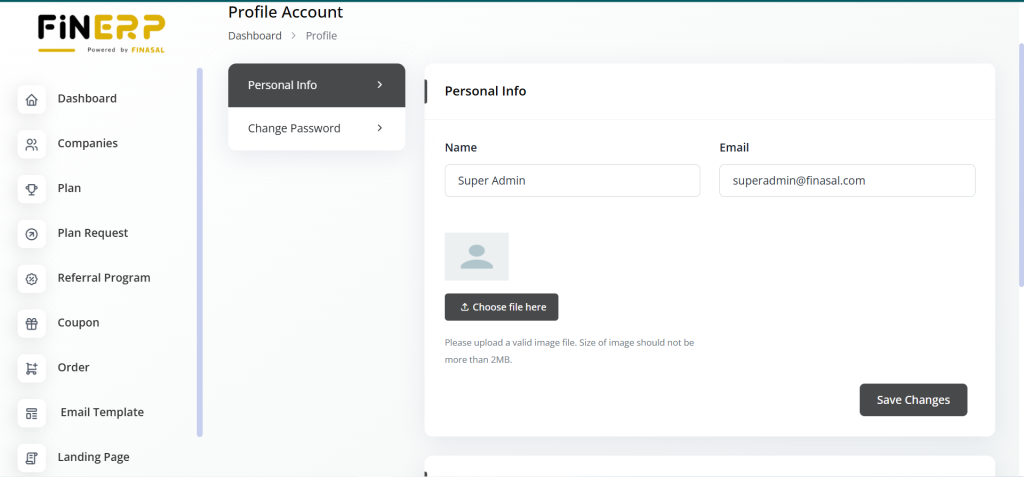
After successful authentication, the Super Admin is redirected to the Fin ERP Dashboard. This area provides complete administrative control over the platform’s modules, settings, and users. From here, the Super Admin can efficiently manage operations and monitor overall system performance.
Key Points:
Gain access to the Fin ERP Super Admin Dashboard after login
Manage users, roles, and system configurations
Monitor platform activities and key performance metrics
Centralized control for all Fin ERP operations

Manage Admin Functions
Use the Fin ERP Dashboard to manage users, modules, system settings, and other administrative functions. It serves as the central hub for controlling and monitoring all key operations. By following these steps, you can log in as the Super Admin and efficiently manage the Fin ERP platform’s essential aspects.
Key Points:
Manage users, roles, modules, and configurations
Access and modify system-wide settings securely
Monitor platform performance and key activities
Gain full administrative control over Fin ERP