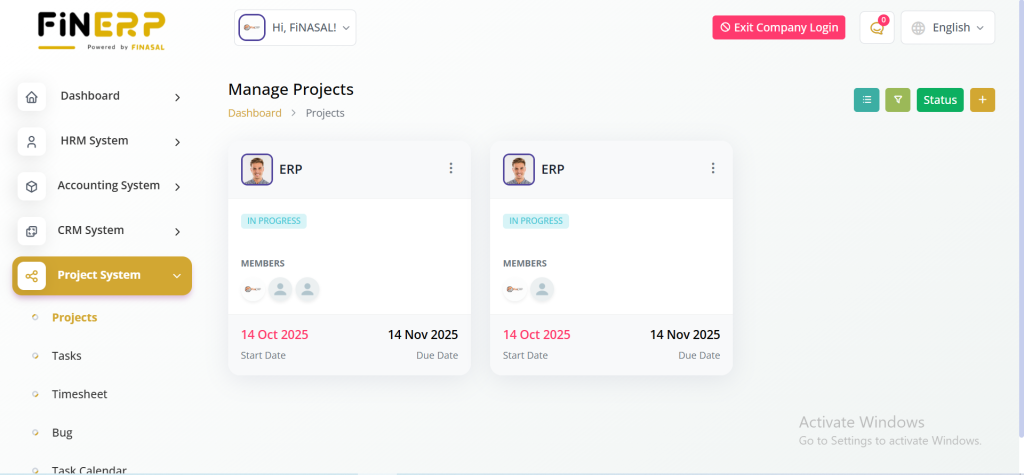
Projects Overview
List View :
The Projects Overview page provides a centralized hub for efficient project management. Users can effortlessly view and manage all ongoing and potential projects. The interface allows easy navigation and offers insights into project statuses. Creating new projects is straightforward, and users can switch between list and grid views for varied perspectives.
View Details : Project Overview :
Task progress, total budget, expenses, start and end dates, and client details.Recent activity logs.
Gantt Chart, Tracker, Expense, Timesheet, Bug Report :
Conveniently accessible tools for versatile project control.
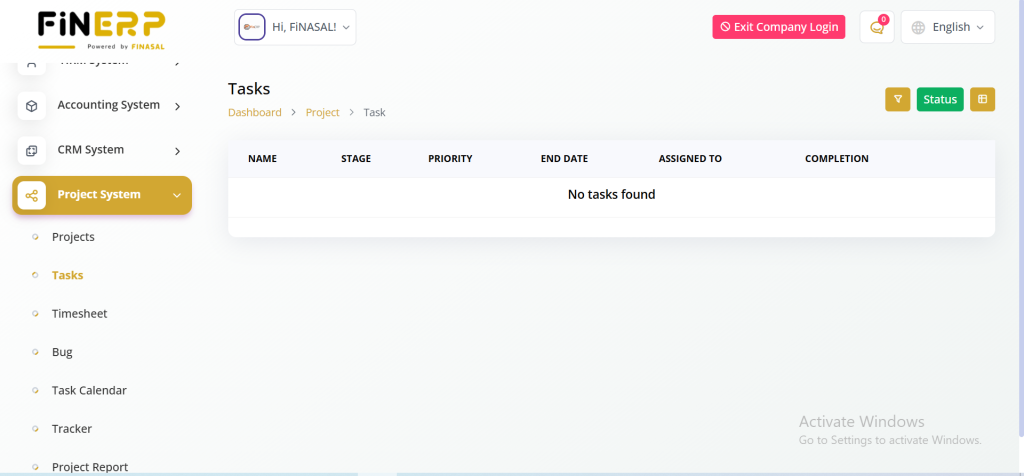
Tasks Management
List View :
The Tasks Management page presents a clear and concise overview of all tasks associated with ongoing projects. Users can review task details such as name, stage, priority, end date, assigned team members, and completion status.
Grid View :
An option for grid view enhances task management efficiency.
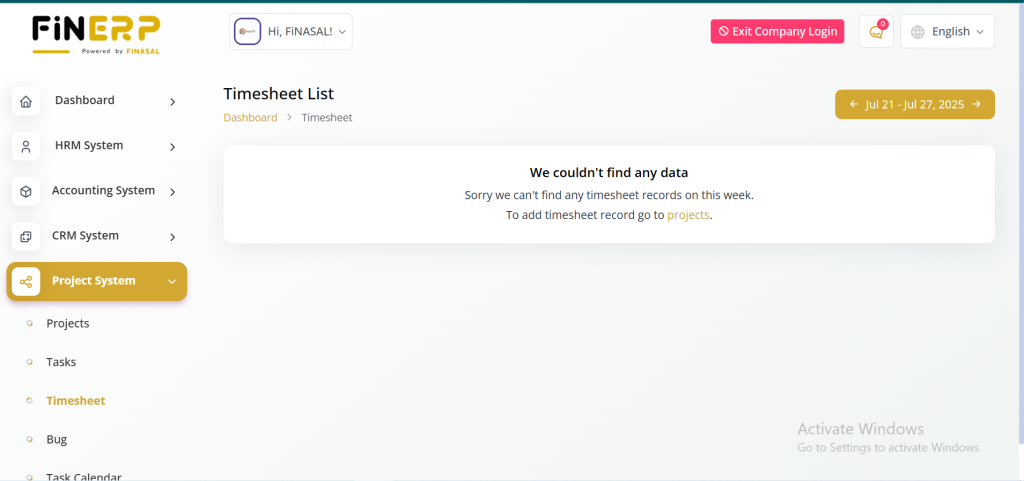
Timesheet Tracking
Monitor and manage time spent on various project activities. Ensure accurate tracking for better time management and resource utilization. Keep your projects on schedule and identify areas for efficiency improvement. Simplify reporting and accountability across teams.
Key Features:
Track time for different project tasks
Monitor resource allocation
Ensure optimal productivity
Generate accurate timesheet reports
Bugs Management
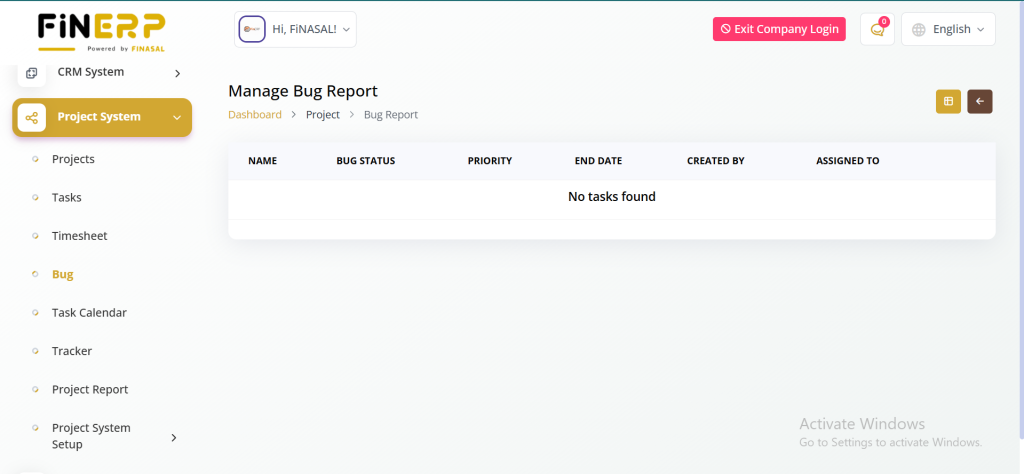
Easily identify, track, and resolve project issues. Review existing bugs, add new ones, and monitor their status efficiently. The grid view enhances visibility and management. Improve project quality by addressing issues promptly. Streamline the bug resolution process for better team collaboration.
Key Features:
Track and manage project bugs
Add and review bugs easily
Monitor bug status efficiently
Grid view for better visibility
Task Calendar
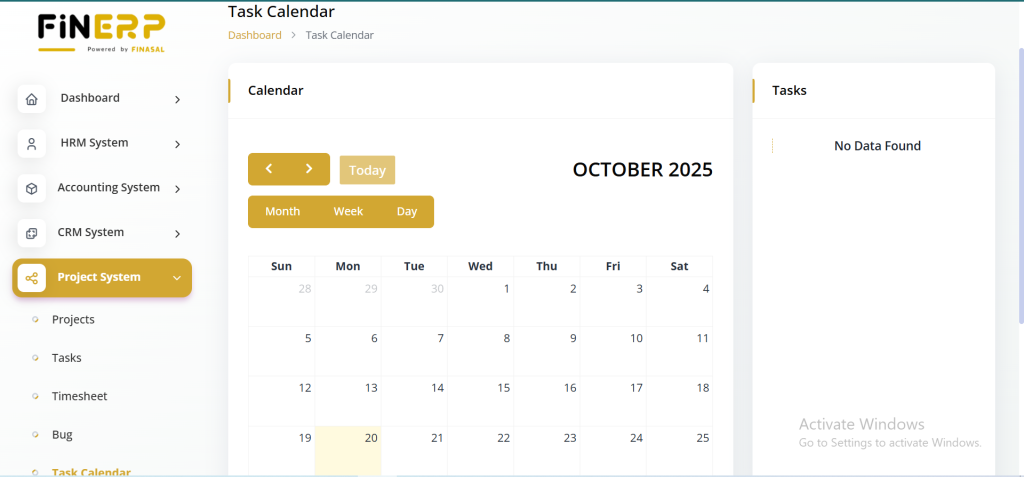
Visually manage and plan your project tasks with ease. The calendar view provides a clear overview of task schedules and deadlines. Enhance team coordination through an intuitive and dynamic interface. Stay on top of timelines and project progress effortlessly.
Key Features:
Visual task scheduling
Dynamic and intuitive calendar view
Easy tracking of project deadlines
Improved timeline management
Trackers Overview
Gain complete visibility into key project metrics with a comprehensive list of trackers. Each tracker provides valuable insights for better planning and performance analysis. Monitor progress, identify issues early, and make data-driven decisions with ease. Enhance overall project efficiency through real-time tracking.
Key Features:
Comprehensive list of project trackers
Real-time progress monitoring
Data-driven decision-making
Improved project analysis and efficiency
Project Reports
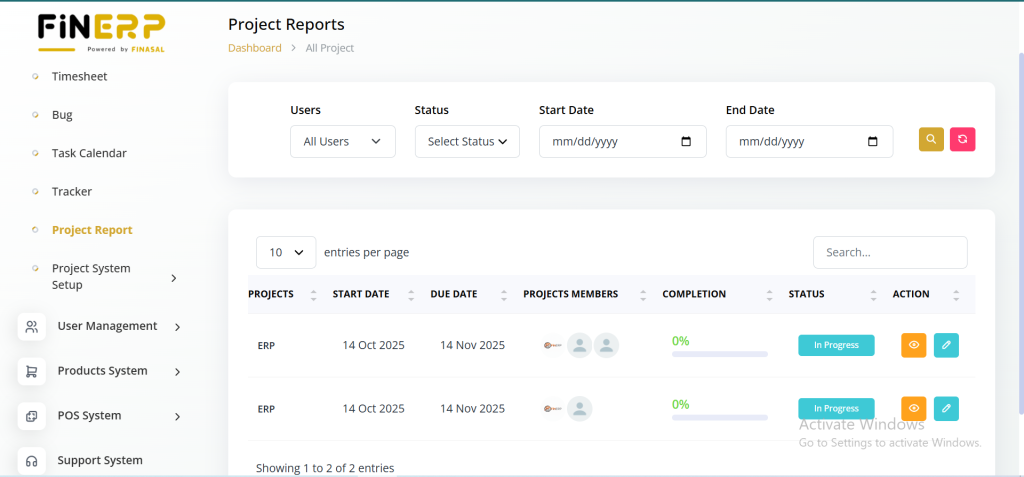
Generate detailed reports to gain a complete view of your project performance. Analyze milestones, task priorities, status updates, and time estimations easily. Review user contributions and track progress efficiently. Export task lists for deeper insights and data analysis.
Key Features:
Comprehensive project overview
Milestone and task progress tracking
Hours estimation and user contribution details
Exportable task lists for analysis
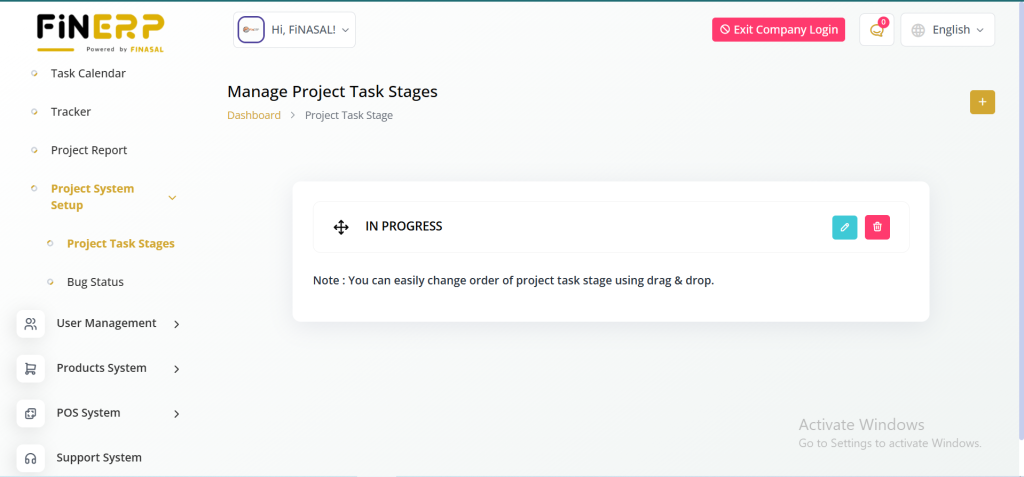
Project System Setup
Project Task Stages :
In this section, users can define and add new stages for project tasks, customizing the system to specific project workflows.
Bug Status :
Users can add new bug statuses, providing flexibility to align the system with the unique needs of each project.
In conclusion, ERPGo’s Project System is a comprehensive solution offering dedicated pages for effective project planning, execution, and analysis. It combines intuitive tools with customizable settings, ensuring adaptability to diverse project requirements.