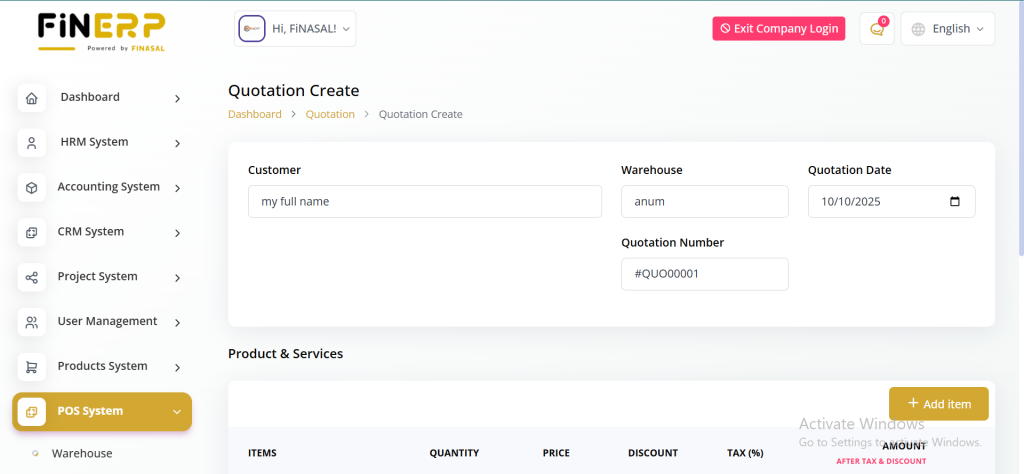
Warehouse
List of Warehouses :
The Warehouse page provides an organized list of all available warehouses within the POS system. Users can quickly review and manage the various warehouses.
View Warehouse Stock Details :
By clicking on the view button, users gain access to detailed warehouse stock information. This feature allows for a comprehensive overview of the stock levels in each warehouse.
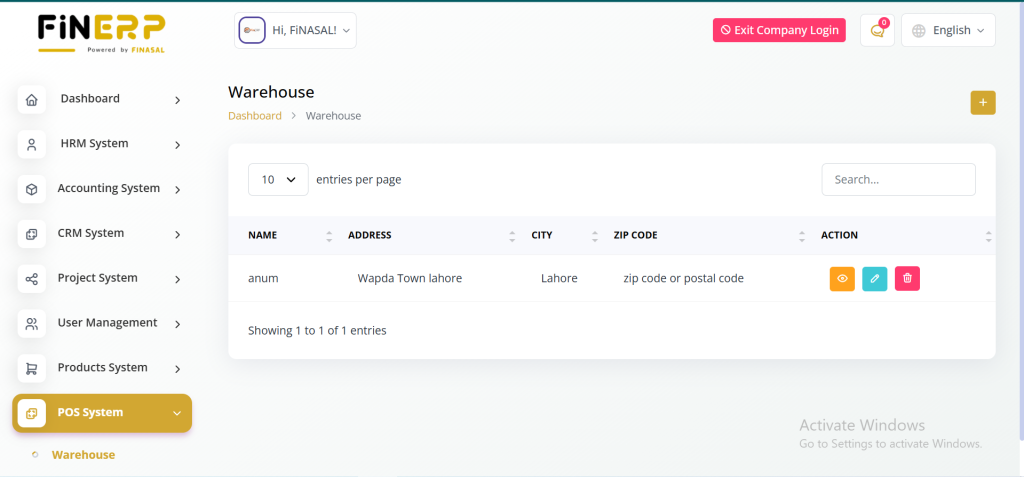
Purchase
List of Purchases :
The Purchase page offers an overview of all purchases made within the POS system. Users can efficiently manage and track the purchase history.
View Purchase Details :
Clicking on the view button provides a detailed view of a specific purchase. Users can access important details, including the purchase invoice, product summary, and payment summary.
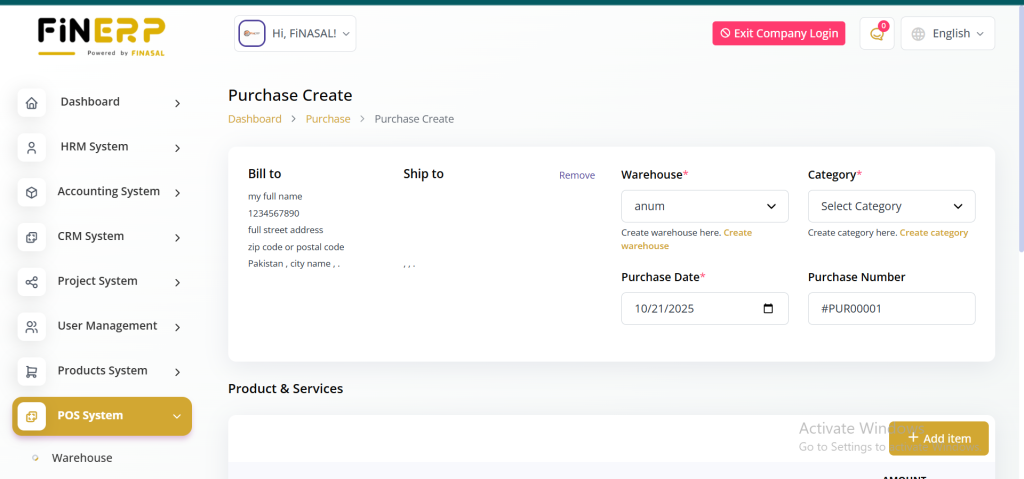
Add POS
The Add POS page makes it easy to add new Points of Sale quickly and efficiently. Users can enter POS details and view a list of existing POS for reference. Only products purchased through the Purchase section are visible here, ensuring accurate product tracking. Items purchased under Product and Service will not appear on this page.
Key Features:
Add new Points of Sale easily
View and manage existing POS
Display only purchased products from the Purchase section
Maintain accurate and organized POS data
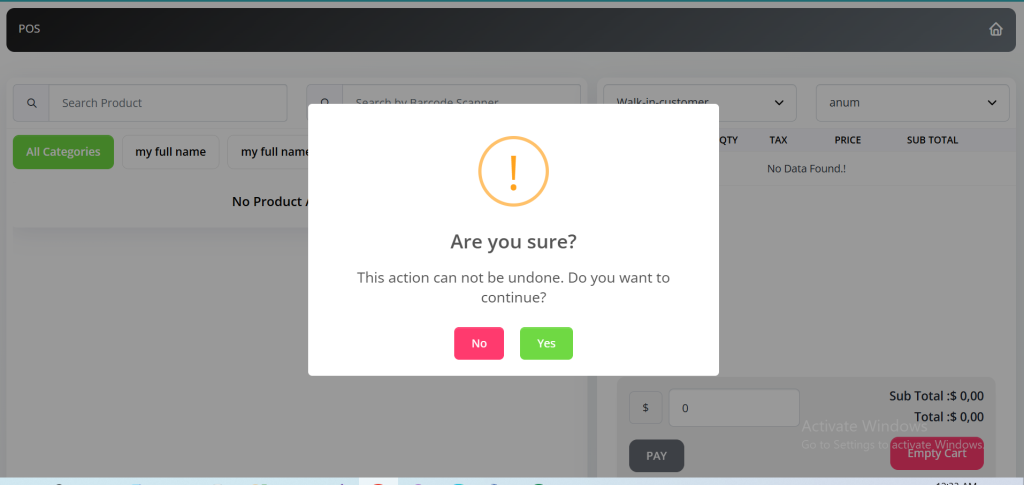
POS
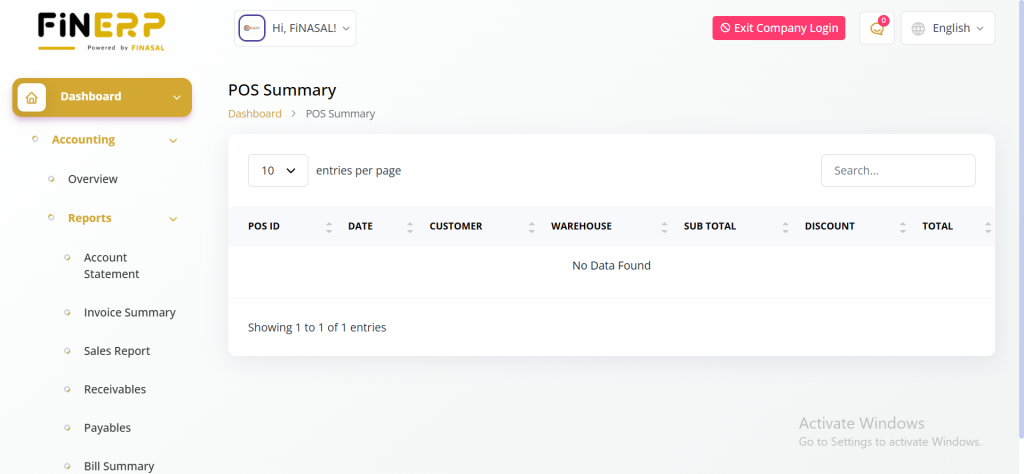
View and manage all Points of Sale in one place. The POS page displays detailed information including POS ID, date, customer, warehouse, sub-total, discount, and total amount. Easily track transactions and maintain accurate sales records. Simplify your sales management with a clear and organized list view.
Key Features:
View all Points of Sale with key details
Track sales by customer and warehouse
Monitor discounts and total amounts
Maintain accurate transaction records
Transfer
List of Transfers
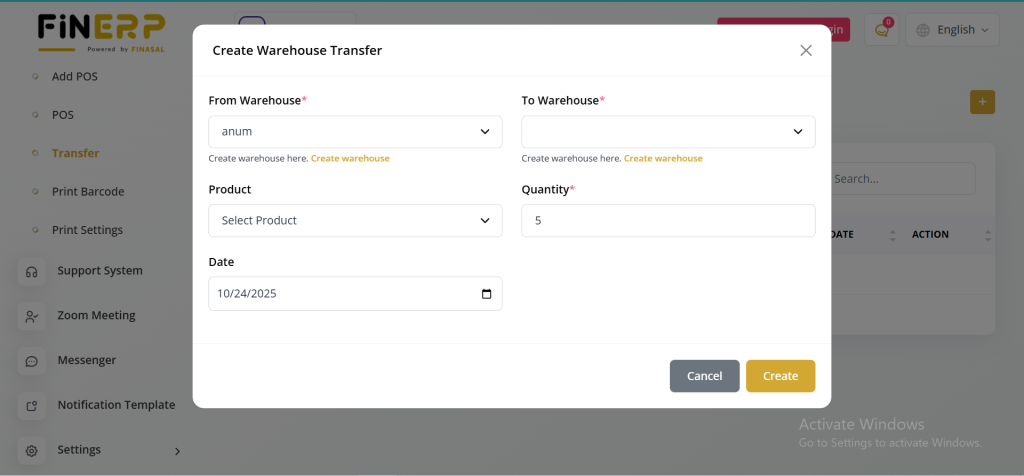
Easily view and manage all product transfers within the system. The Transfer section provides a complete list for better inventory tracking and control. Users can add new transfers to ensure smooth stock movement between locations. Maintain transparency and accuracy in inventory management.
Key Features:
View and manage product transfers
Add new transfer entries easily
Track stock movement efficiently
Improve overall inventory control
Print Barcode
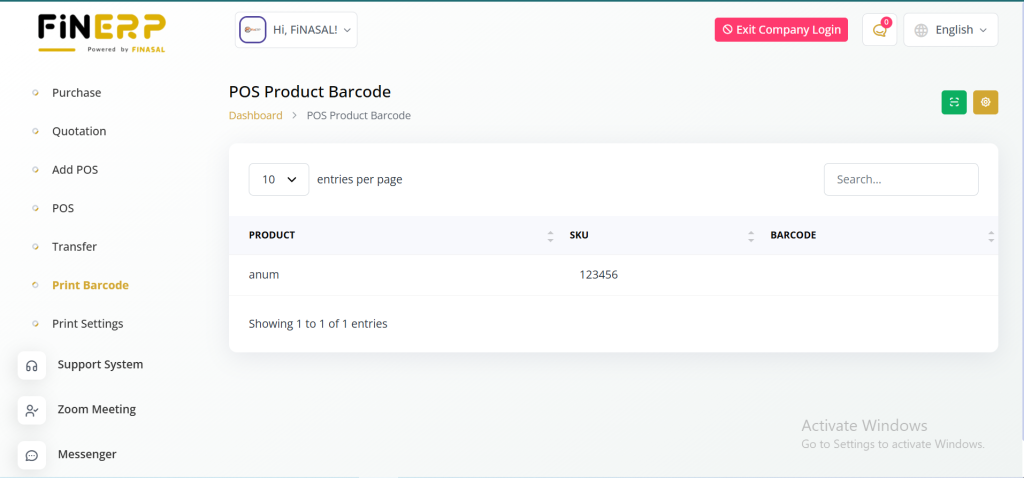
Access and manage all barcodes linked to various Points of Sale. The Print Barcode page allows users to easily view, select, and print barcodes whenever needed. Simplify product identification and ensure accurate labeling across your inventory. Maintain organized barcode records for efficient tracking.
Key Features:
View and manage barcodes by POS
Print barcodes quickly and easily
Simplify product labeling and tracking
Maintain organized barcode records
Print Settings
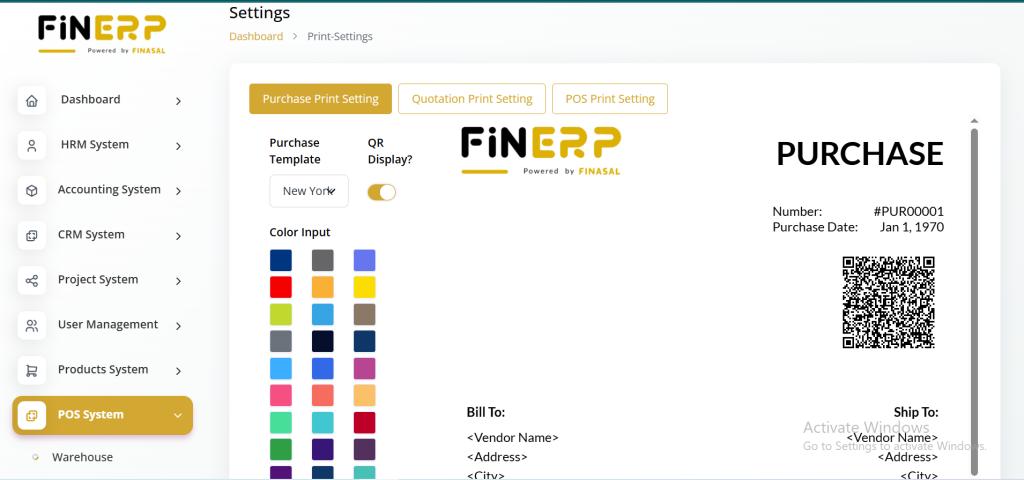
The Print Settings page offers essential configurations for POS-related printing. Users can customize and set up mandatory print settings, configure purchase print settings, and fine-tune POS print settings. This includes selecting templates, adding logos, and choosing color inputs for both purchase and POS documentation.
In conclusion, ERPGo’s POS System encompasses seven distinct pages, each contributing to the seamless management of warehouses, purchases, POS, transfers, barcodes, and print settings. These features collectively enhance the efficiency and organization of retail operations within the ERPGo product.
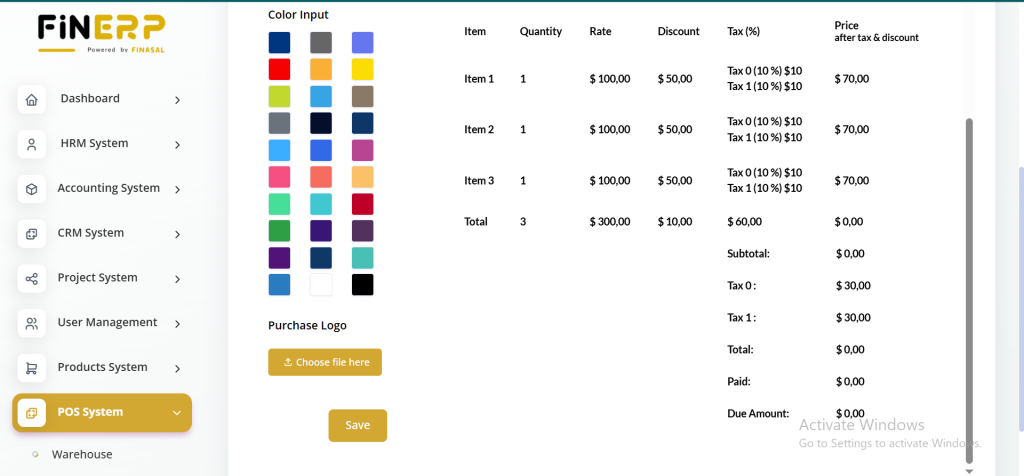
The Print Settings page provides complete control over POS-related printing options. Users can customize mandatory print settings, configure purchase and POS templates, and personalize layouts. Add logos, adjust colors, and choose preferred templates for a professional look. Simplify documentation and ensure consistent branding across all printed materials.
Generate Quotation
Within the POS Module, ERPGo now offers the functionality to generate quotations, adding versatility to its suite of features. Users can effortlessly create quotations directly from the POS interface, streamlining the sales process. This integration allows businesses to swiftly respond to customer inquiries and facilitate smoother transactions, enhancing overall efficiency within the ERPGo POS System.